You keep learning but do not know what to build
Tutorials give you isolated skills. Hiring conversations ask you to connect them.
12-week live programme
The full product design process, from research and user flows to UI, design systems, SaaS workflows, AI-assisted design and portfolio case studies.
What it is
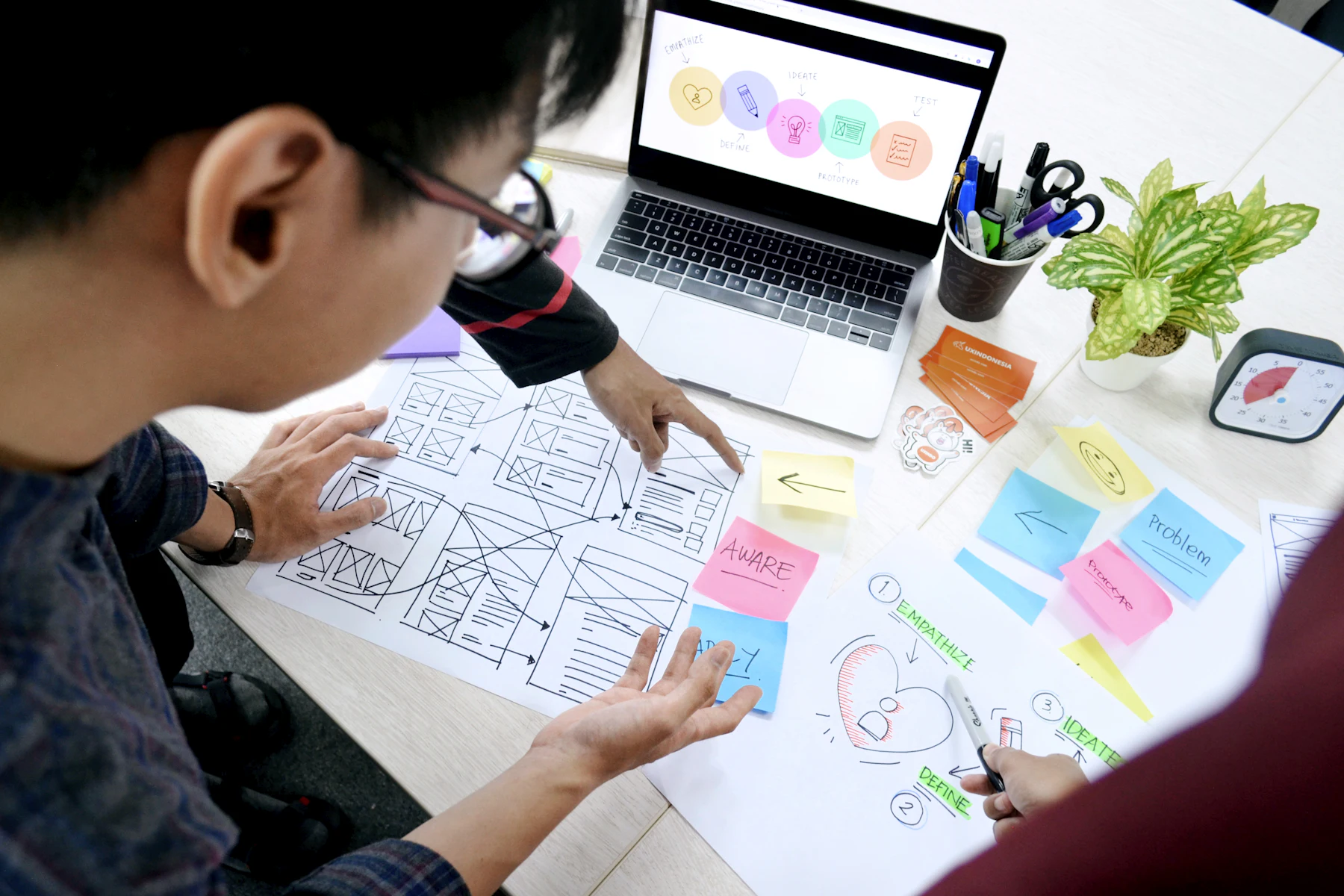
ProdXVerse is a 12-week live online UI/UX and Product Design course built around practical project work. Learners practise UX research, information architecture, user flows, wireframing, Figma, visual design, design systems, SaaS UX, AI-assisted workflows, case-study writing and career preparation with mentor feedback.
Figma is a tool. Product Design is a way of thinking.
The goal is not to finish 12 weeks of content. The goal is to finish with work you can explain.
Sound familiar?
There is more UI/UX content online than anyone can finish. That is not necessarily helping.
| You can... | and still... |
|---|---|
| know what Auto Layout is | struggle to design a usable flow. |
| watch user-research videos | not know what questions to ask. |
| copy a clean interface | be unable to explain why your version works. |
| finish a course | have no portfolio worth showing. |
Tutorials give you isolated skills. Hiring conversations ask you to connect them.
A recruiter cannot see your thinking from a mockup alone.
You know AI matters, but “learn 50 tools” is not a career strategy.
Interviews expose this quickly.
Job descriptions ask for it without explaining it.
You need someone to tell you what is unclear and why.
What you leave with
The exact project scope can vary by cohort, but the programme is designed around tangible outputs.
Work through real product constraints instead of only redesigning famous apps.
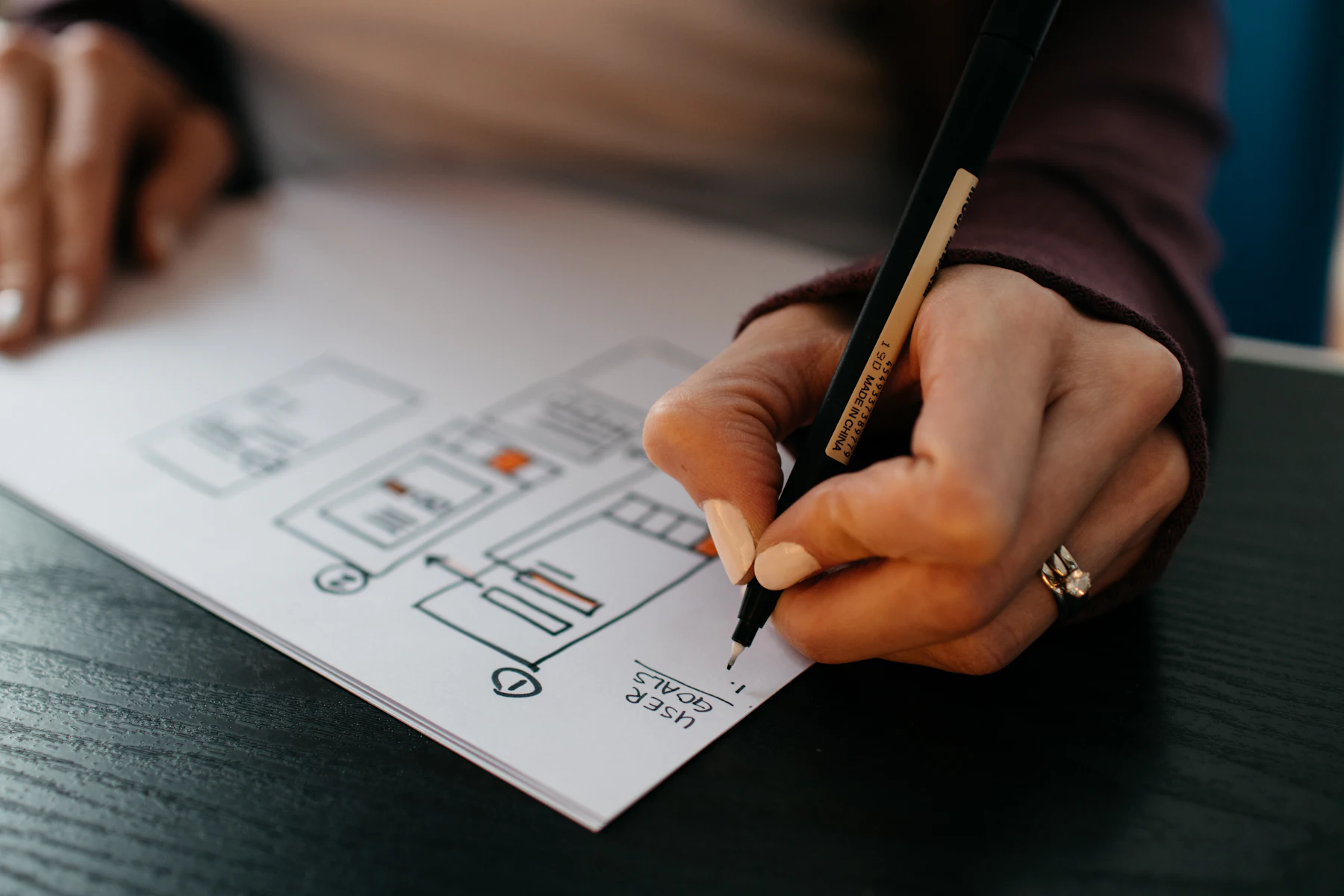
Document the problem, process, decisions, iterations and final outcome.
Know what to show, what to remove and how to make the work easier to review.
Use Auto Layout, components, variants, variables and prototyping with a product workflow in mind.
Research, IA, flows, wireframes, testing and iteration become connected steps rather than disconnected terms.
Work with dashboards, forms, tables, onboarding, empty states, permissions and complex workflows.
Use AI for research, ideation, UX writing, synthesis and faster execution while reviewing what it gets wrong.
Resume, LinkedIn, portfolio presentation and interview discussion support where included in the cohort.
The 2026 shift
Designers do not need to compete with AI at drawing more screens. They need to become better at deciding:
It is used throughout the programme where it helps.
Summarise transcripts, cluster patterns and pressure-test conclusions.
Explore alternatives faster, then rewrite for context and clarity.
Generate more directions before choosing one.
Create starting points faster, then correct the flow and hierarchy.
Generate moodboard and direction ideas without outsourcing design judgment.
Speed up briefs, design rationale and presentation drafts.
Understand how AI-assisted coding changes handoff and prototyping.
The rule
Use AI to remove repetitive work. Do not use it to remove thinking.
How you learn
This is why the programme is live and project-led. The feedback loop matters as much as the syllabus.
Understand the principle and see it used in real product situations.
Use it on your own project or assigned brief.
Bring the work back for critique.
Fix the weak decisions.
Capture why you changed the design so the learning becomes part of your case study.
Curriculum
Each week has one focus, one AI-assisted workflow and one output you keep.
AI workflow: Use AI to draft a brief, then identify what is missing, assumed or too vague.
OutputProblem framing + product brief review
AI workflow: Generate a component or layout suggestion, then audit it for consistency, accessibility and real product states.
OutputReusable interface foundation
AI workflow: Use AI-assisted visual exploration as a starting point, not the final answer.
OutputVisual direction + screen system
AI workflow: Summarise interview notes and compare AI themes with your own analysis.
OutputResearch summary + insight set
AI workflow: Use AI to challenge the problem statement and simulate stakeholder objections.
OutputProblem definition + prioritised direction
AI workflow: Generate a first flow from a feature description, then audit the missing states and assumptions.
OutputIA + end-to-end user flow
AI workflow: Use AI-generated wireframe directions to widen exploration, then select and improve based on the user task.
OutputWireframe flow + prototype
AI workflow: Use AI to assist audits and documentation, then validate the output manually.
OutputMini design system used in your project
AI workflow: Use AI for UX copy and scenario generation, then refine for the actual product context.
OutputEnd-to-end product flow
AI workflow: Use AI to generate alternative structures, then compare them against task frequency, data importance and user role.
OutputSaaS workflow / dashboard case
AI workflow: Use AI to tighten draft writing without fabricating research, outcomes or impact.
OutputPortfolio-ready case study
OutputFinal presentation + next-step career plan
What should I build?
A strong beginner portfolio does not need 10 projects. It needs a small number of projects you can discuss in depth.
Recommended portfolio mix. The exact project briefs can change by cohort.
Show research, information architecture, flows and iteration.
Show tables, forms, dashboards, roles, states and product thinking.
Show how the parts connect from problem to final prototype / handoff.
Who it is for
You need structure and a clear sequence instead of random tutorials.
You need stronger work beyond classroom submissions.
You need a practical way to build product-design evidence from a different background.
You know Figma or UI basics but your process and portfolio feel inconsistent.
You want deeper UX, SaaS and product thinking rather than only visual execution.
You understand systems or product requirements but want stronger user-experience and interface skills.
The difference
ProdXVerse is not automatically the right choice for everyone. If you learn well alone and already have strong mentors around you, free and self-paced resources can work.
| Learning option | What it is good for | What is usually missing |
|---|---|---|
| YouTube / free resources | Exploring topics cheaply | sequence, accountability, review |
| Self-paced courses | Structured fundamentals at your own pace | feedback on your own work |
| Large bootcamps | broad curriculum and peer learning | review depth can vary |
| ProdXVerse | live project work, founder-led product perspective, feedback, AI-assisted workflow, portfolio direction | requires time and active participation |
If your main gap is structure + practice + feedback + portfolio, this programme is built around that gap.
Your lead mentor

Founder, ProdXVerse & Desisle
Ishtiaq is a product designer and founder of Desisle, a design and development studio. His work has covered product UX, SaaS, websites, design systems and digital experiences across multiple industries and markets.
ProdXVerse was started after seeing the same pattern repeatedly: people could use design tools, but struggled when asked to:
That gap is what the programme is built to close.
Working practitioners who teach, review and speak in ProdXVerse sessions, across product, design and engineering.

SWAROOP v
Co-Founder


Ramohan Reddy Sure
Senior Associate Software Engineer


Mohammed khalid
Software Engineer


Kiran Reddy
AI Automation and Analytics


Mohammad Gouse (MG)
Senior Data Analyst

Rohit Bhardwaj
Founder

Sooraj KR
Co-Founder & Managing Director


Teena George
Co-Founder & CEO

How review works
A useful review should tell you what is unclear, where the flow breaks and how to explain the decision better.
Depending on the selected cohort plan, feedback may include live critique, annotations, async comments or mentor review.
what is unclear
where the flow breaks
what you assumed without evidence
what state you forgot
what hierarchy is competing
what needs more research
what can be simplified
how to explain the decision better
After the portfolio
Where included, ProdXVerse career support can cover:
We do not guarantee a job.
Hiring depends on your work, communication, location, experience, role requirements and employer decision. That is why our focus stays on improving the things you can control.
Top-performing learners may be considered for separate project or internship opportunities through Desisle or the extended network when genuine opportunities are available. This is not guaranteed and is not part of every learner’s outcome.
Learners who need a structured practice route can also explore the separate Applied Internship Training programme.
Yes, where certification is included in the selected cohort, learners who meet the completion requirements receive a ProdXVerse Certificate of Completion - UI/UX & Product Design.
The certificate confirms completion of the programme. It does not replace your portfolio, guarantee employment or claim external accreditation unless explicitly stated.
Programme fee
Pro Designer Cohort
Current public fee
₹24,999
or ₹12,499/month for 2 months
1-on-1 Elite Mentorship
₹49,999
or ₹16,666/month for 3 months
Included
Questions before you apply
AI is changing how quickly interface ideas, copy and prototypes can be produced. It does not remove the need to understand users, define product problems, structure flows, evaluate usability and make trade-offs. The programme therefore teaches AI-assisted workflows alongside core product-design judgment.
Yes. The curriculum begins with UI/UX and product fundamentals before moving into research, flows, UI, systems and portfolio work. Beginners should still expect regular practice outside live sessions.
No. Product Design hiring is usually portfolio- and skill-led. A degree can be useful, but this programme does not require a formal design degree to start.
No. Figma foundations are part of the programme. If you already know the basics, the focus shifts quickly toward reusable systems, product workflows and applying Figma to real design problems.
No. Coding is not required to learn UI/UX and Product Design. Understanding how products are built can make collaboration stronger, so the programme may include basic design-to-development and AI-assisted build exposure.
Yes. Portfolio-ready work and case-study development are core outcomes. The quality of the final portfolio still depends on completing the project work and applying feedback.
Two or three strong projects are usually more useful than a large collection of shallow redesigns. Your projects should show the problem, your role, decisions, process, iteration and final solution clearly.
Not every project is a client project. The programme uses realistic product briefs and may occasionally include genuine project opportunities. Work is described as client work only when a real client supplied the brief and portfolio permission exists.
No. Visual UI is one part. The programme covers research, problem definition, product strategy, information architecture, user flows, wireframes, prototyping, design systems, SaaS UX and portfolio storytelling.
AI is used throughout the workflow for tasks such as research synthesis, ideation, UX writing, documentation and faster exploration. Learners also review where AI outputs are incomplete, generic or unsafe to trust without human judgment.
Yes. SaaS workflows are included because they expose learners to complex product problems such as dashboards, roles, tables, forms, filters, onboarding, billing-like flows, empty states and permissions.
The programme is built around review, but the exact format depends on the cohort plan. The number and type of reviews are stated before payment, and group-based feedback is never described as "1:1".
No. ProdXVerse provides career preparation and can surface opportunities or introductions where available. Employers make final hiring decisions.
Selected learners may be considered for genuine opportunities through Desisle or the wider network when available. This is performance- and availability-based, not guaranteed. A separate learner-funded Applied Internship Training programme is also available for structured supervised practice.
The flagship programme is live. If recordings are provided, they should be treated as backup/reference material rather than the main learning experience.
Where recordings are available, you can catch up, but project deadlines and feedback cycles still matter. The programme works best when you stay close to the cohort schedule.
Plan for around 8-12 focused hours each week across live sessions, assignments, project work and revisions. Learners building deeper case studies may spend more.
Yes, if the live schedule fits and you can protect weekly project time. The workload should be considered before enrollment rather than after the cohort starts.
Depending on your portfolio and background, the skills are relevant to UI/UX Designer, Product Designer, Junior Product Designer, SaaS Designer and related digital-product roles. Role eligibility depends on each employer’s requirements.
The certificate is issued by ProdXVerse and confirms programme completion. It is not described as externally or "industry" accredited unless an external recognition arrangement exists.
AI Product Builder gives you a broad end-to-end build experience from idea to live product. UI/UX & Product Design goes much deeper into design research, interaction, visual craft, systems, SaaS UX, case studies and a design-career portfolio.
If design is your path
Learn the process. Build the work. Get it reviewed. Make the next version stronger.